
Create Patient Guides That Save Time,
Build Trust & Improve Care
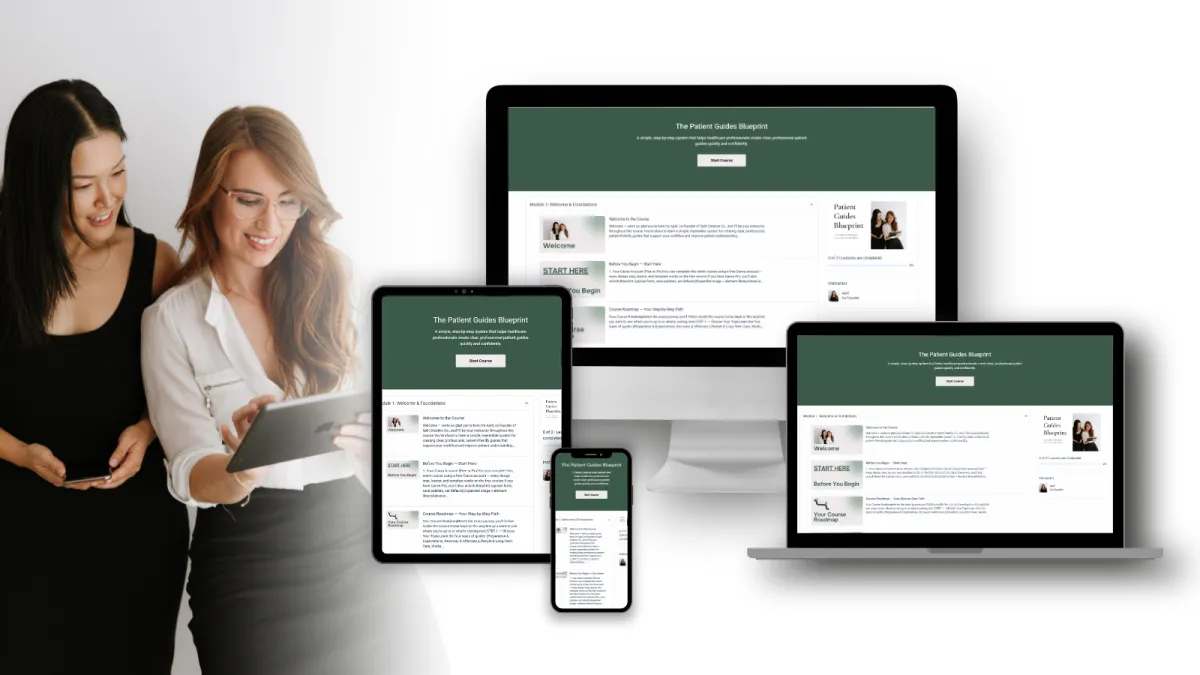
Patient Guides Blueprint is a step-by-step system for health professionals to create clear, consistent patient guides in Canva - to help patients know exactly what to do next, and your team stop repeating the same instructions all week.
Create a polished, on-brand guide without a marketing team or design skills
Capture your key advice once, then reuse it across your whole clinic
Build a simple library system so every guide stays consistent and approved
Self-paced • Lifetime access • 30-day money-back guarantee
The problem isn’t your consult. It’s what happens after it.
Patients say 'yes' in the room… then go home overwhelmed, forget key details, and call back unsure of what to do next.
That creates repeat questions, inconsistent messaging across clinicians, and admin overload.
The Problem.:
You and your team repeat the same patient instructions daily
Your handouts are too text-heavy, outdated, or stitched together from old Word docs
You want professional resources, but no one has time to build them properly
The Solution:
Create clear guides that explain what to do, when to do it, and why - for patients to refer to after they leave the room
Standardise your messaging so every patient hears the same advice every time
Swap clunky Word docs for clean Canva templates you can update in minutes
Build a growing library that saves time and reinforces your care
How it works
Step 1: Choose a guide topic
that’s costing you time
Pick something you explain constantly (pre/post-op, rehab plan, FAQs, red flags, timelines).
Step 2: Input your content into
the Canva templates
We show you exactly how to customise your guide with your logo, colours, and clinic language.
Step 3: Roll it out, then reuse
the system forever
You’ll have your first guide done - and a workflow to create the next 10 easier and faster.
See what’s included ↓
INTRODUCING
The Patient Guides Blueprint
Here’s what you get instantly:
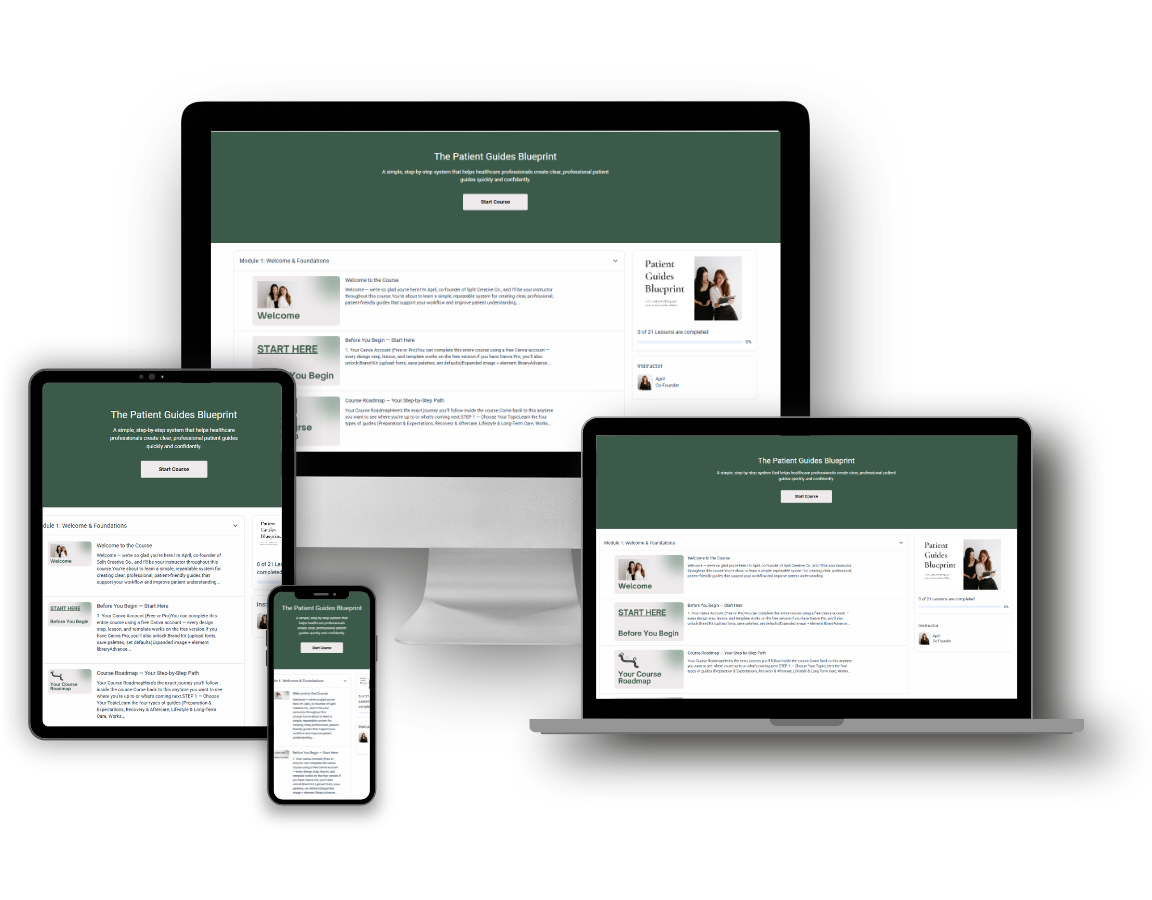
The full Patient Guides Blueprint course
(plan, write, design, implement -step-by-step)
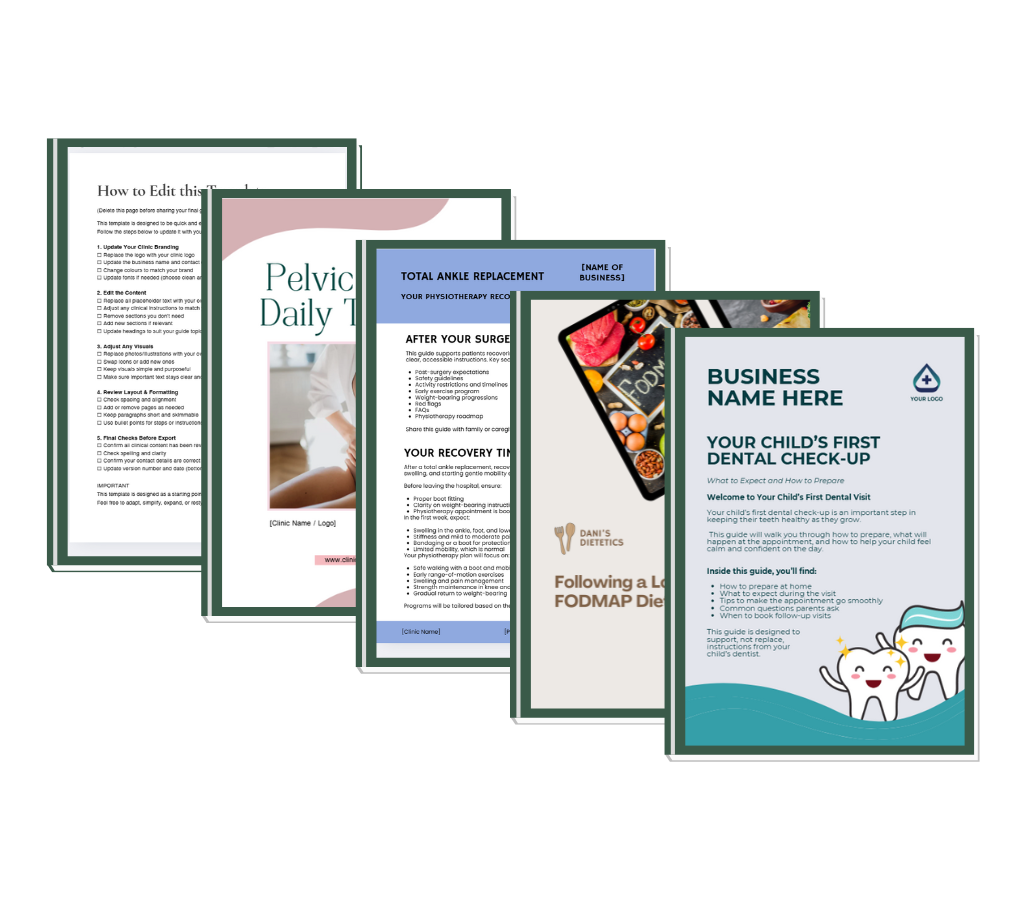
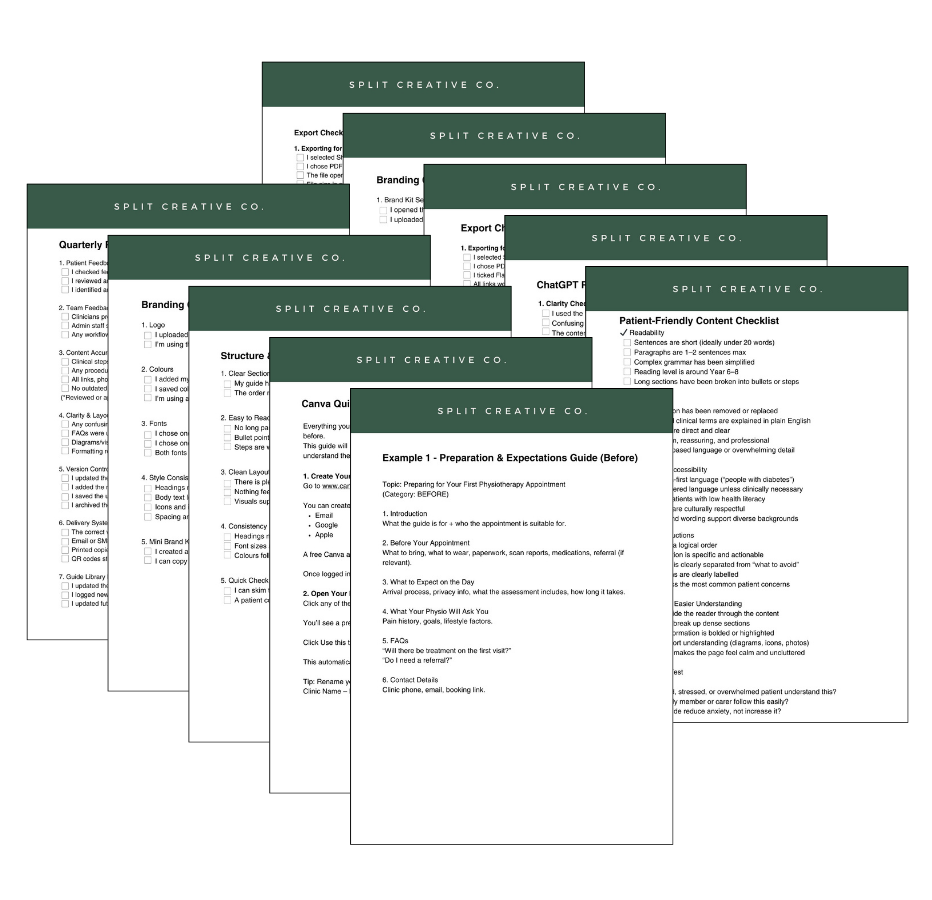
Reusable Canva template pack (checklists, FAQs, pre/post instructions, programs, and more)
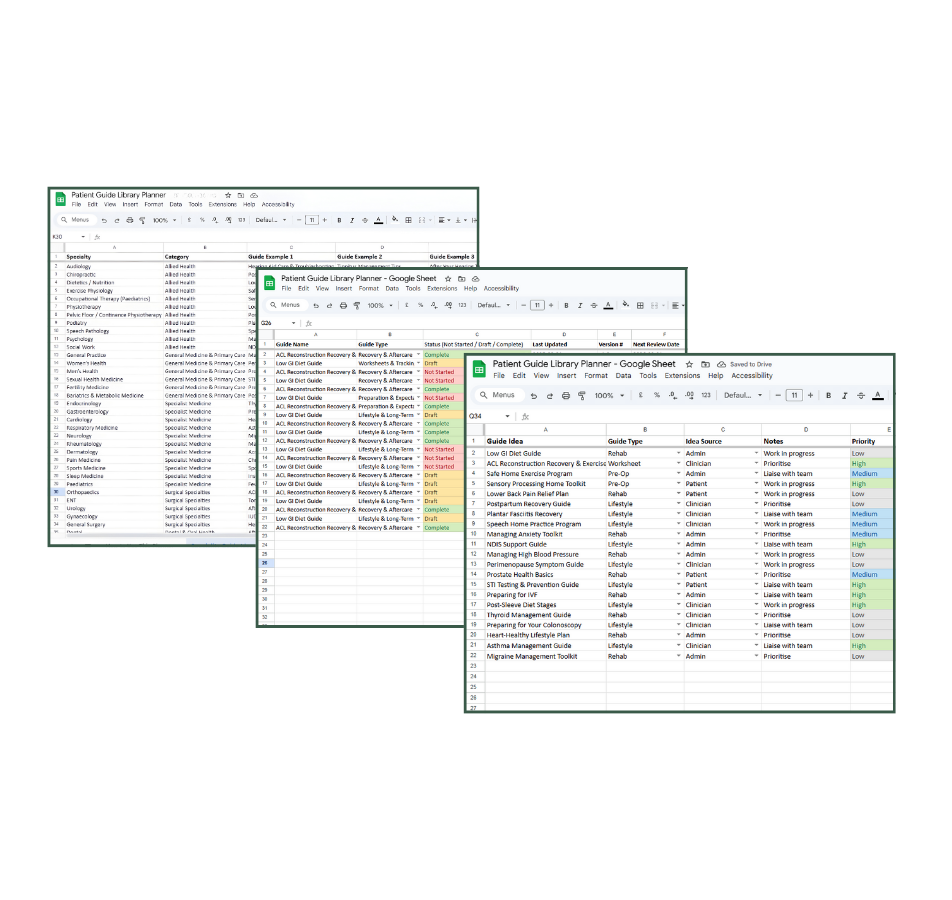
Patient Guide Library Planner (track guides across the clinic so they stay consistent and organised)
10 additional resources (worksheets, checklists, ChatGPT prompts)
100% risk free – 30-day money back guarantee.
No questions asked. Your risk is zero.
Your upside is a fully developed guide, a repeatable system, and a growing patient guide library.
Who is This Perfect For


Specialists
& Surgeons
Pre-op, post-op, consent, procedure-specific instructions patients actually refer back to.
Allied Health
Professionals
Exercise sheets, rehab programs, treatment plans, condition resources - standardised across your team.
Practice Managers
& clinic teams
A repeatable system that saves hours and keeps every document consistent, approved, and
on-brand.
Trusted by clinics and health practices across Australia & New Zealand
Why us?
We’re April & Keziah - health professionals who built this system because we kept seeing the same gap in clinics:
Not a lack of clinical skill, but a gap in patient understanding.
We’ve created patient guides for specialists, surgeons, and allied health clinics - and turned that process into a system you can run in-house, without needing a designer.

What this helps you achieve
Patient Guides Blueprint is designed to create outcomes clinics care about - not just prettier handouts.
FOR PATIENTS
Clearer instructions at home
Better follow-through
Less uncertainty between appointments
FOR ADMIN TEAMS
Fewer repeat questions
Faster, consistent replies
Less time chasing old version
FOR HEALTH PROFESSIONALS
A professional library you can build on
More time for clinical work
Consistent education without repeating yourself
Sign up before 29 January to receive a 30% off code by email
READY TO get started?
Create Your First Patient Guide in Just a Few Days
You don’t need a designer, marketing team, or hours of spare time – just a clear system.
Patient Guides Blueprint shows you exactly how to create professional, on-brand patient guides that save admin time, improve communication, and elevate your clinic.
Self-paced. Zero design skills needed. Lifetime access.
Everything you need to build your first guide – and every future guide – starts here
Still unsure?
We get it - investing in your clinic’s systems can feel like a big step.
Here’s everything you need to know before you jump in:
How long does it take to complete the course?
Most clinics finish their first patient guide in about five days, spending less than an hour a day. You can go at your own pace - everything is self-paced and you’ll have lifetime access to revisit modules anytime.
Do I need to be good at design or marketing?
Not at all. The templates are pre-built in Canva, and we walk you through exactly how to customise them with your clinic’s logo, colours, and branding.
If you can drag and drop, you can do this.
What do I actually get when I enrol?
You’ll get instant access to:
The full Patient Guides Blueprint course (plan, write, design, and implement your guide).
A Canva template pack for guides, checklists, FAQs, and more.
The Patient Guide Library Planner to track future guides.
Lifetime access so you can keep creating as your clinic grows.
What if I get stuck or need help?
You’re not on your own. If you need help at any point, you can DM us or email us and either Keziah or April will personally reply to support you.
Whether you’re choosing your topic, editing your content, or polishing your design, we’re here to guide you through each step so you never feel stuck or overwhelmed.
Can my admin team do this (or does the clinician need to)?
Yes - your admin team can build the guides in Canva and manage the formatting, layout, and version control. The clinician’s role is simply to provide (or approve) the clinical content.
A common workflow is:
Clinician provides dot points / key instructions (or a quick voice note)
Admin turns it into the Patient Guides Blueprint format using the templates
Clinician does a final review and signs off before it’s used with patients
That way, clinicians aren’t doing design work — they’re just approving accuracy.
How do we keep guides consistent/approved across multiple clinicians?
Patient Guides Blueprint includes a simple system for consistency and sign-off, even in multi-practitioner clinics:
Use one master template (same layout, headings, tone, disclaimers) for every guide
Nominate an “owner” (practice manager or lead clinician) who controls the master file
Set a standard approval process: Draft → Clinical review → Approved → Live
Version control: date-stamp guides and keep one “current” folder so old versions don’t float around
Library tracking: use the Patient Guide Library Planner to record who approved each guide and when it’s due for review
This keeps everything consistent across clinicians, protects quality, and makes updates predictable instead of chaotic.